Touchbase (or TB) is a contact tool used by our MLS systems in British Columbia.
How to get started using Touchbase
- Log in to www.touchbasesm2.ca and make sure your contact information is correct.
- Install the Touchbase app on your mobile device and log in. Download it here:
iOS
Android - To make a viewing appointment, contact the listing agent via Touchbase through the MLS listing page.
In Paragon use the blue icon to the left of WebForms(WF) icon just under the price as shown in the image below.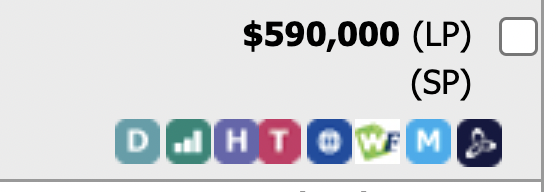
In Matrix the use the "T" icon under the listing photograph as depicted below.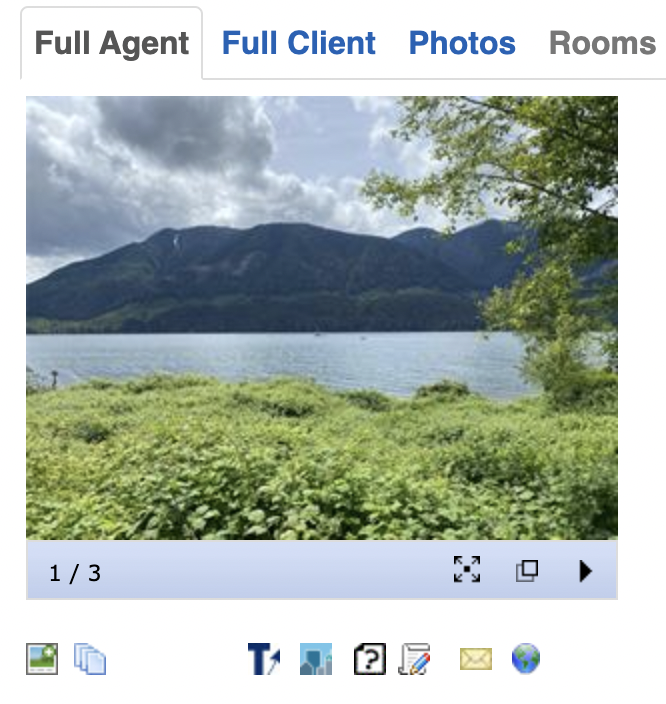
As a buyer's agent you should also subscribe to the board's lockbox app.